Evenor
Aesthetic personal finance for iPhone.
Clear monthly balance, zero-friction tracking, targets, deposits, and offline privacy without required accounts.
- For iPhone
- Free to use
- Works offline
- No account needed

Screenshots
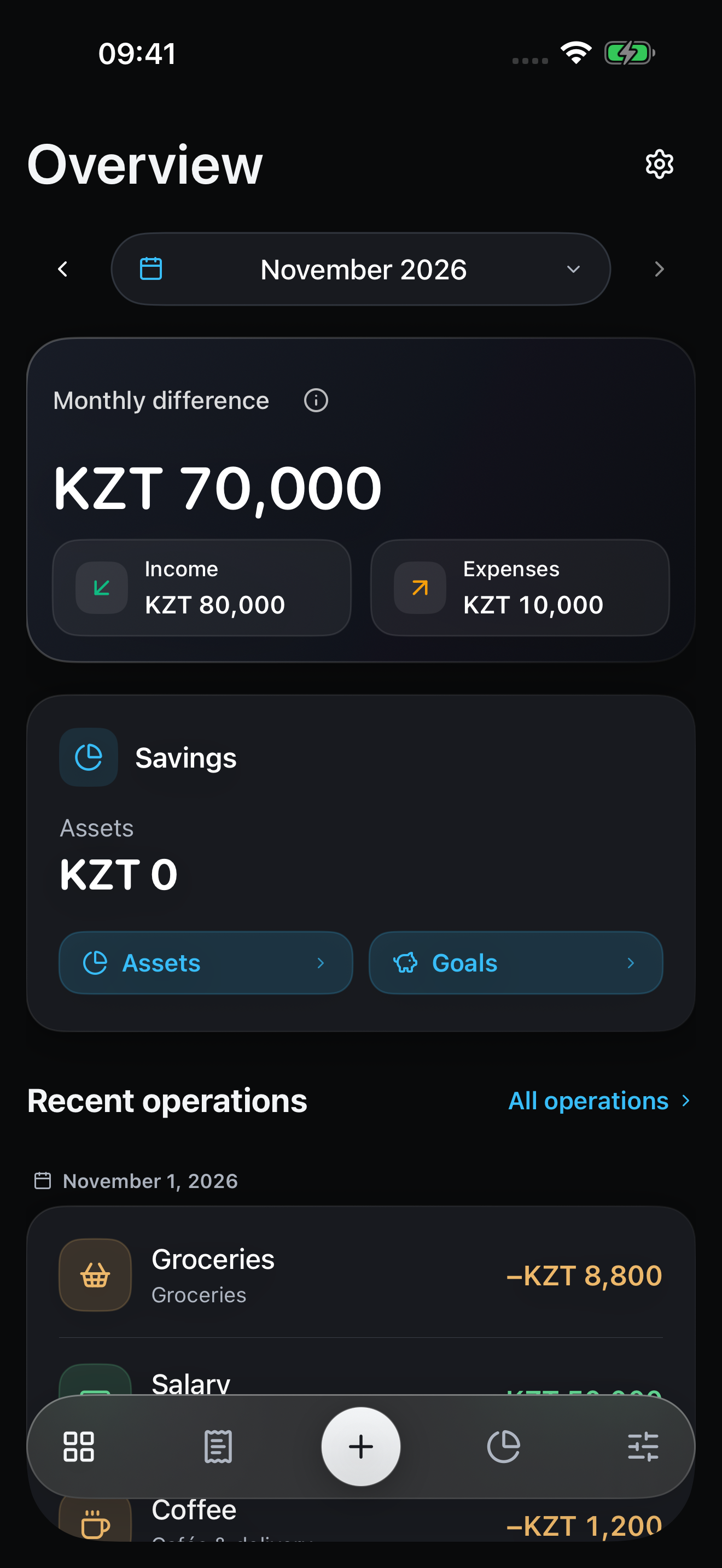
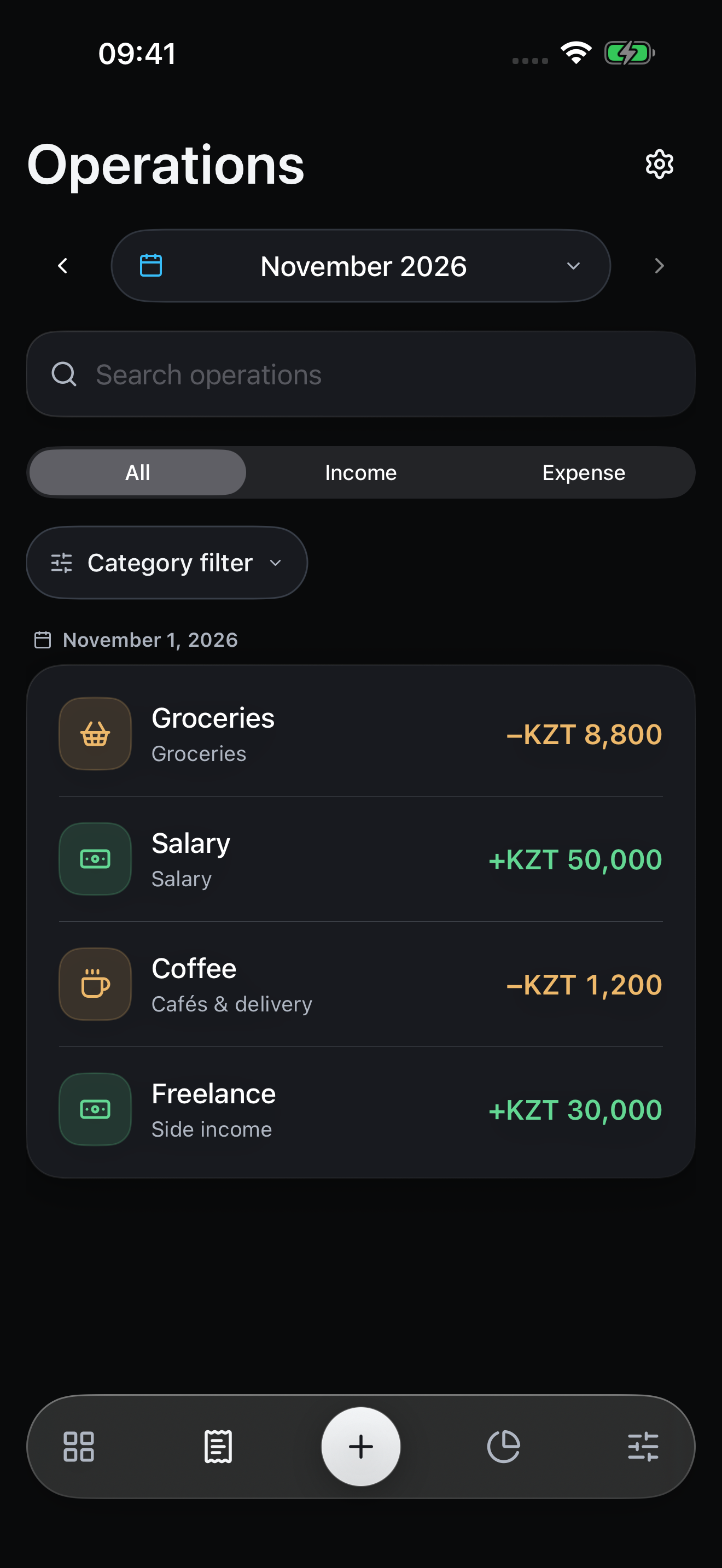
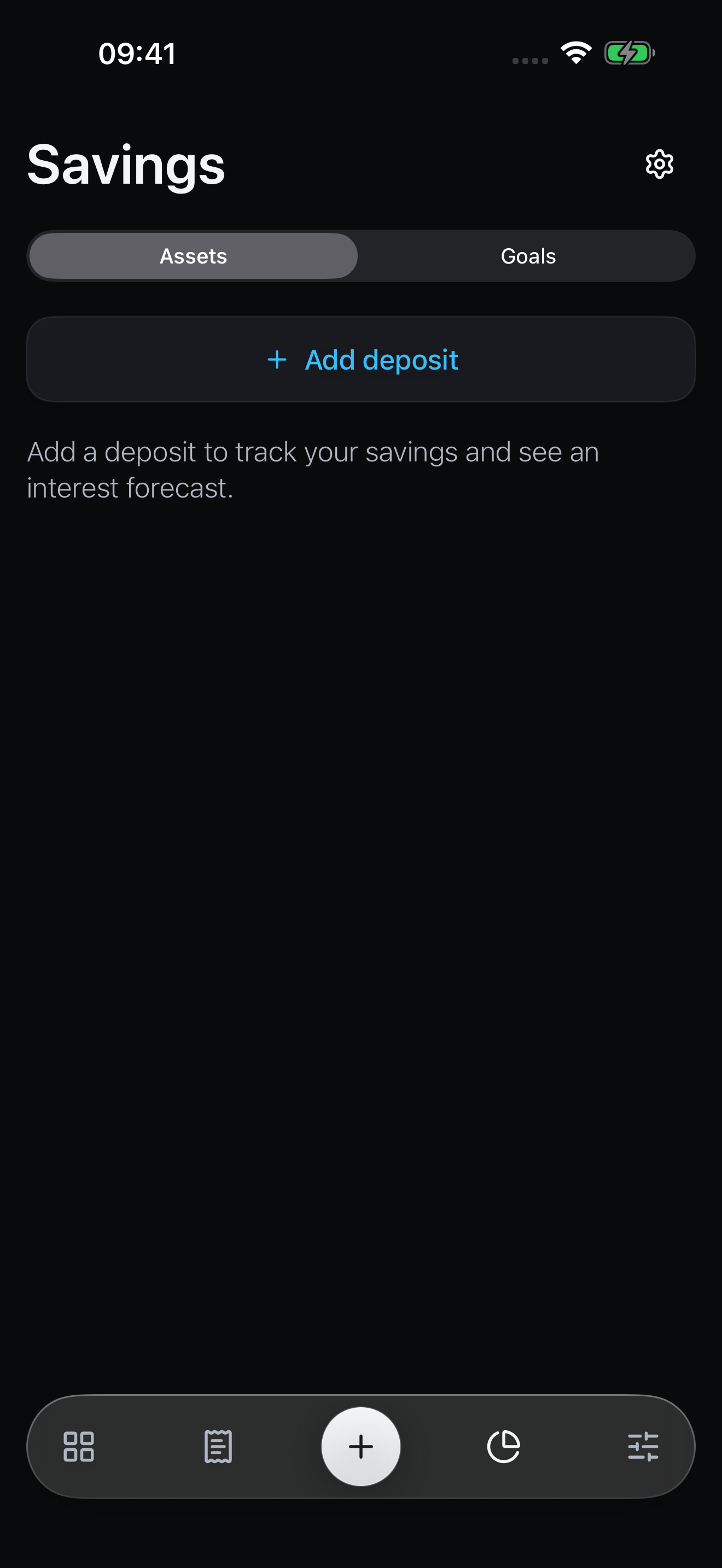
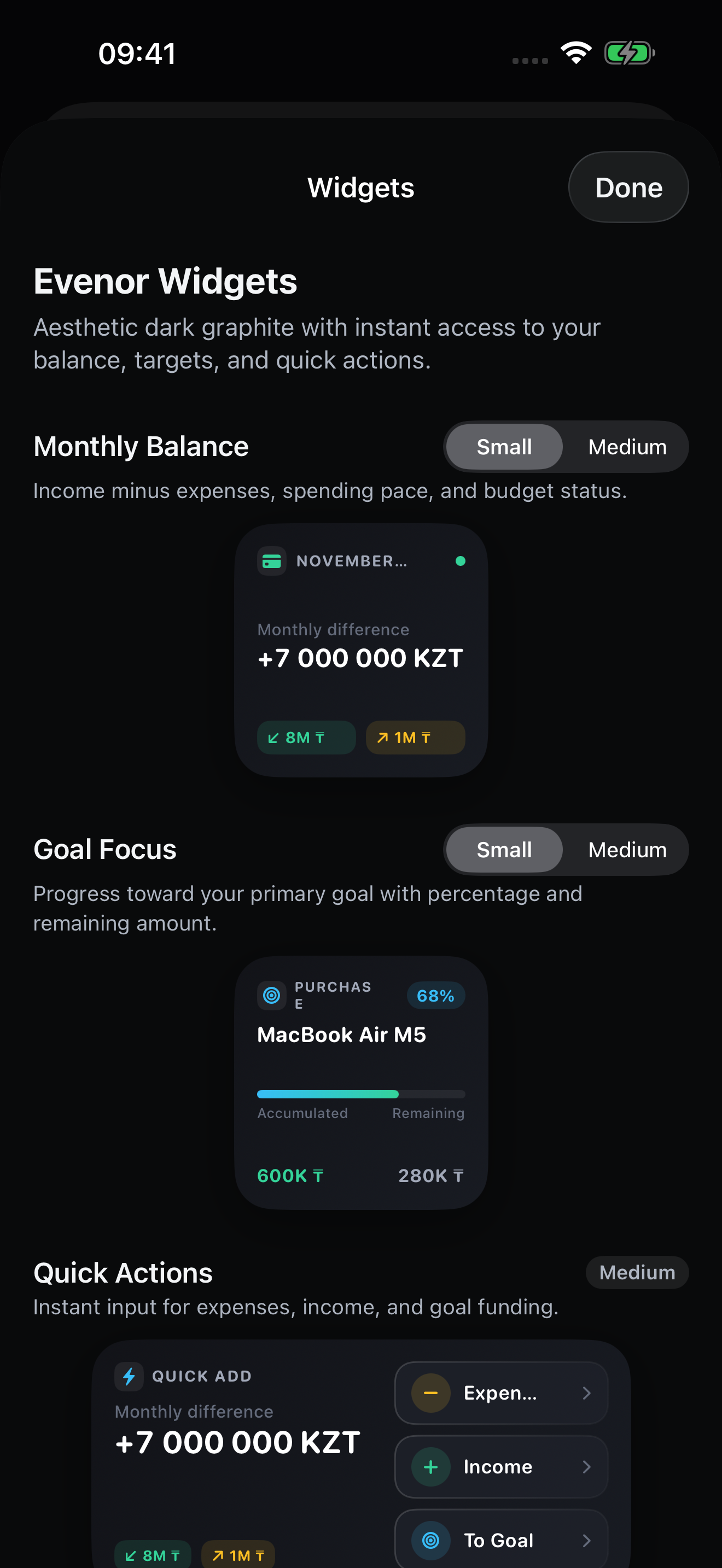
Preview of the native iOS build. Tap any screenshot for a closer look.
Financial clarity with zero distraction.
Evenor is a modern personal finance app for iPhone. It focuses on what truly matters: your monthly difference, disciplined savings, and effortless categorization.
Monthly Difference Hero
See your exact surplus or deficit at a glance. Income minus expenses gives you immediate clarity without complicated accounting jargon.
Goals & Bank Deposits
Set targets for what matters most: emergency reserves, big purchases, or debt paydown. Manage multiple bank deposits with compounding and automated interest forecasts.
Dark Graphite Widgets
Glance at your balance and quick-add expenses right from your iOS Home Screen. Beautiful, tactile, and designed for iOS 17+.
Inside Evenor
- Monthly difference (income minus expense)
- 12 carefully curated categories
- Visual goal progress rings
- Bank deposits with interest forecasts
- Aesthetic Dark Graphite iOS widgets
- 100% offline-first local storage
- No mandatory registration or account
- Multiple themes including Monochrome
Start locally. Sync if you want.
Your financial records stay on your iPhone without an account, even offline. Sign in only if you voluntarily want to backup or sync data through your account.
Frequently Asked Questions
Does Evenor require an account or internet?
No. Evenor is 100% offline-first. All your financial records, categories, and goals are stored securely in your iPhone’s local encrypted storage. No login or phone number is ever required.
How is the monthly difference calculated?
Monthly difference is your total income minus your actual expenses for the selected calendar month, clearly showing whether you are running a surplus or deficit.
Are the Home Screen widgets interactive?
Yes. Evenor provides aesthetic Dark Graphite widgets in Small and Medium sizes. In iOS 17+, you can tap quick action buttons directly on the widget to add an expense, income, or goal contribution.
Is Evenor free?
Yes, Evenor is free to download and use with full offline functionality.
Which devices are supported?
Evenor is built natively for iPhone running iOS 17 or later.
A question, an idea, a little hello?
Get in touch about Evenor. Feedback and bug reports are welcome: intrendsapps@gmail.com.
intrendsapps@gmail.comClear finances, step by step.